 hr
hr
 si
si
 sr
sr
 cs
cs





What’s New in Gecko HRM 2026: Built Around Your Working Day
A new vacancy, a candidate update, a document change: explore how Gecko's latest updates support the work that fills an HR day.

Maja Sušnik, Marketing Specialist
You sit down to work on the people plan. A hiring manager needs a vacancy opened, a promising candidate needs an update, and the contract template needs changing before a new colleague joins.
Looks like the people plan will have to wait a little longer.
HR knows this balancing act well. This is also where useful product development begins: with the work that keeps interrupting the work.
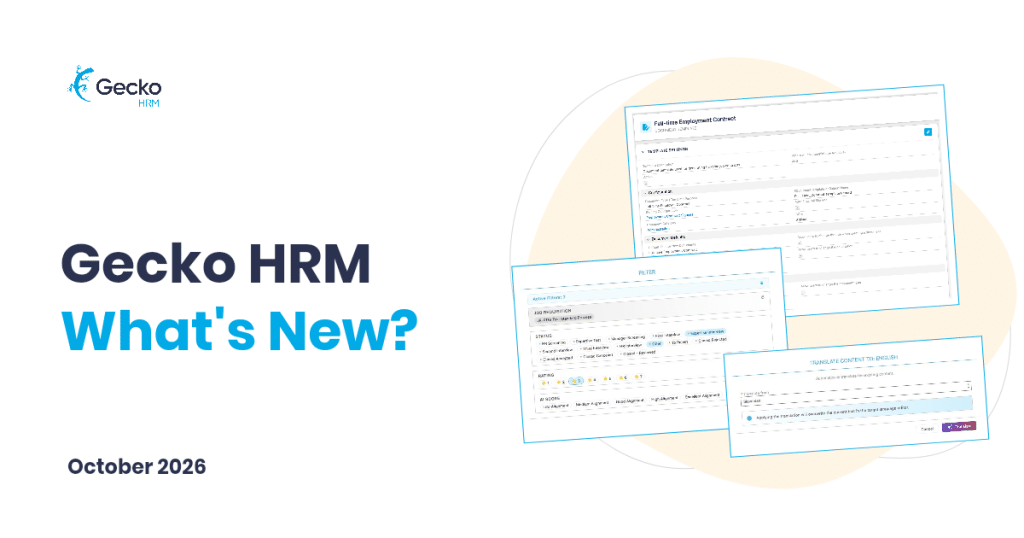
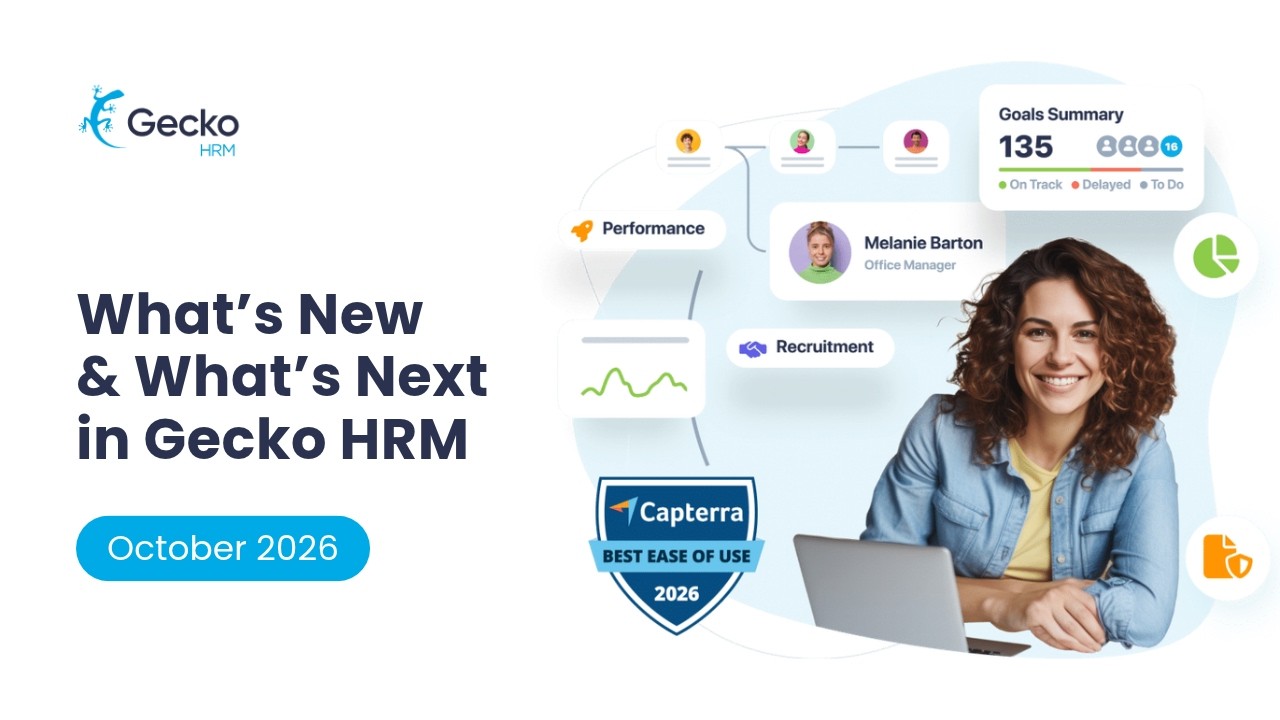
In our annual What’s new and what’s next in Gecko 2026 webinar that took place this October, our product team along with our CEO shared how Gecko is growing around that reality. Redesigned recruitment, easier document setup and new extensions give HR more ways to handle everyday tasks as the organisation’s needs become more complex.
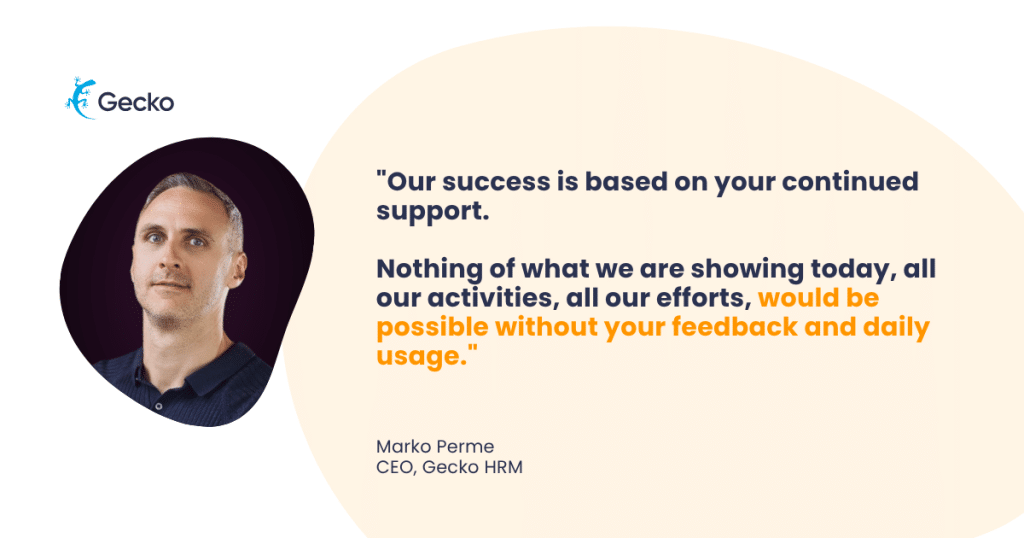
We’d like to invite you to read the webinar’s recap and watch the full video below. But first, a big thank you to you, our dear customers.
How Can a Vacancy Get Off to a Better Start?
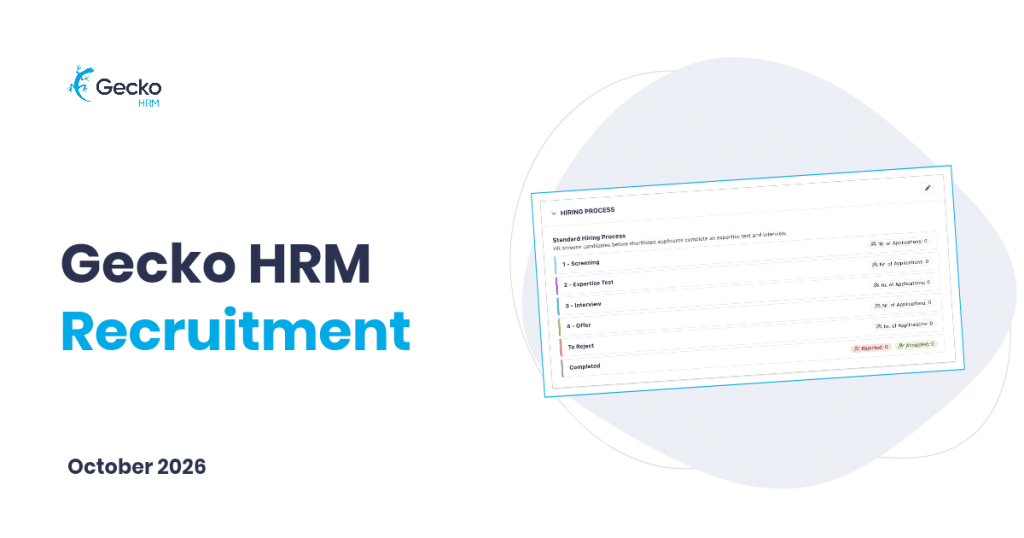
A good start means HR has something concrete to work with. In Gecko’s redesigned recruitment experience, managers request a vacancy from their home page. Recruiters pick up the request and develop it into an opportunity candidates can apply for.
Job ads and application forms can draw on existing position information, then be tailored to the role. Add relevant questions and a salary range, check the preview, and review AI suggestions for clearer wording or another language version. The recruiter has the final say on what goes out.
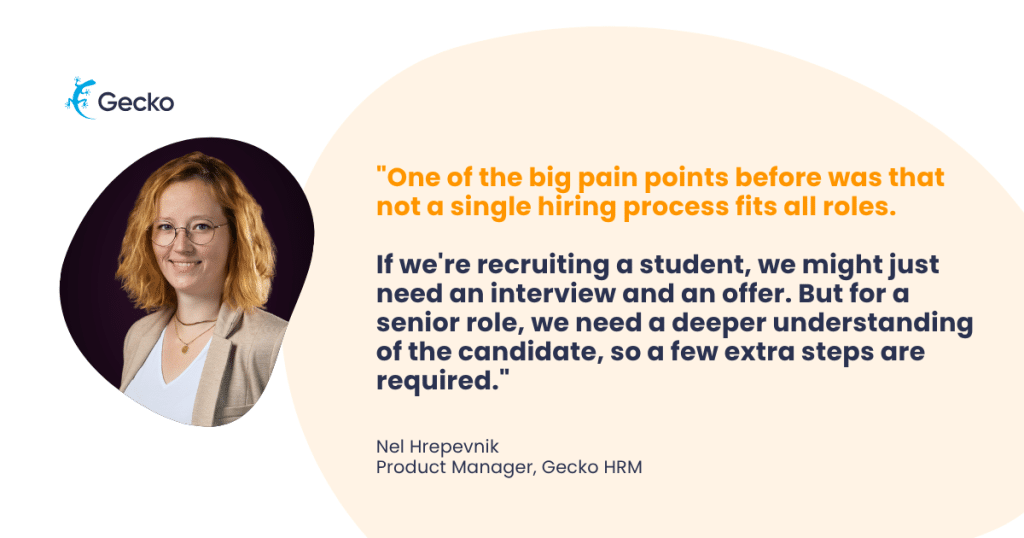
The route through selection deserves the same care. A specialist role may need a practical assessment; another vacancy may need fewer stages. Choose a configured hiring process and the people involved before publishing the vacancy. An extra interview should earn its place in everyone’s diary.
How Do You Keep Candidate Conversations Moving?
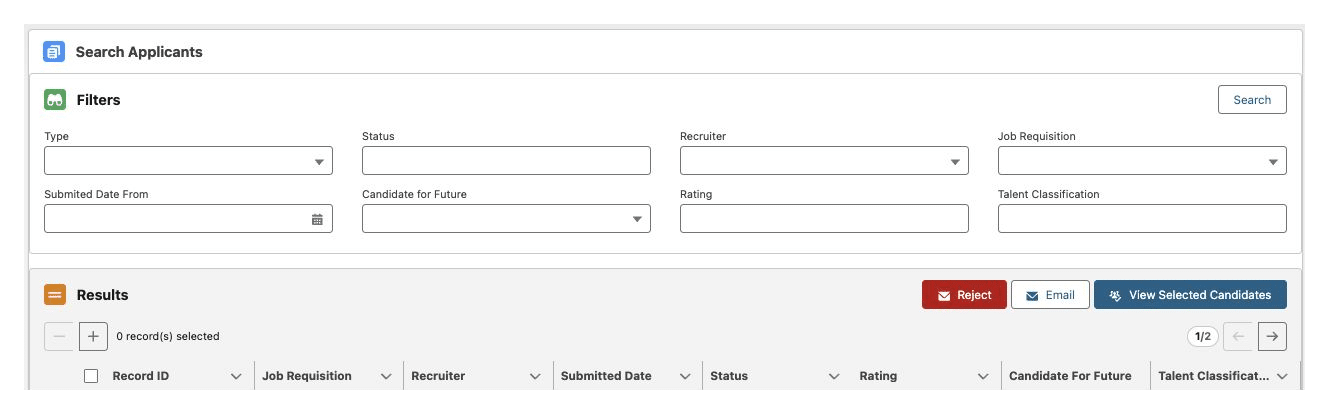
Once applications arrive, the next question is often ordinary: where did we leave this conversation? The redesigned applicant view brings the current stage, next activity, contact details and assessments together. Application Manager helps recruiters work through candidates across vacancies and send relevant group updates.
Candidate Insights remains part of that experience, comparing a CV with the role’s requirements and suggesting interview topics. It gives you questions to explore. Hiring judgement stays with people.
And a good conversation needn’t end with one vacancy. Talent pools and general job positions give future possibilities a home. Classifications and tags help you find promising candidates again; a linked application lets you consider them for another role without losing the earlier context. Keep their permissions and your retention rules in view, too.
Can HR Take More Control of Everyday Documents?
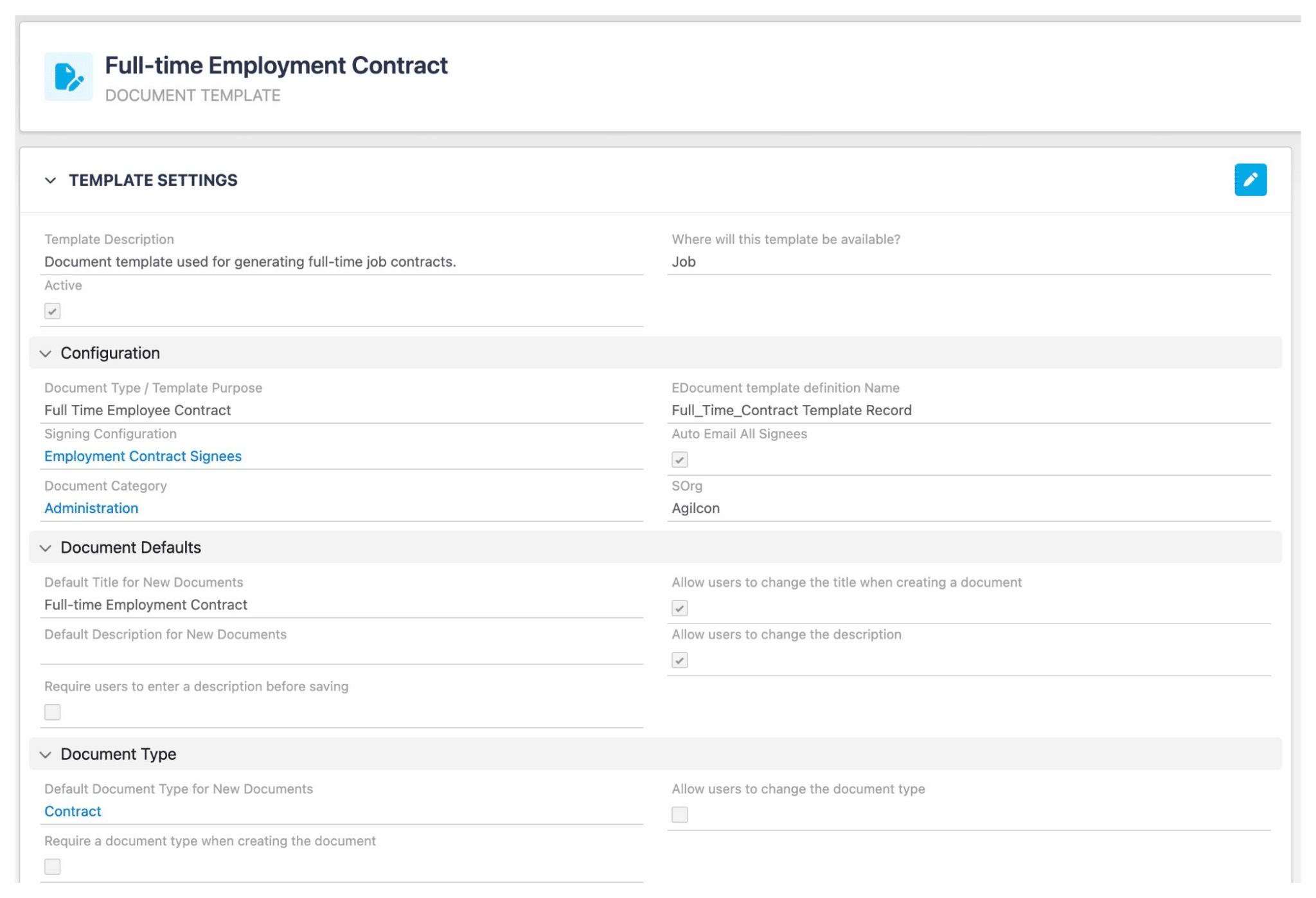
HR usually knows what needs changing in a recurring document. Finding the right settings can be the less enjoyable part. The updated Document Template Builder brings templates and signing configurations into a central workspace, with guided setup and prefilled defaults.
Think of an approved change to a contract template. You can update the source file, review the defaults and signing setup, then check a generated document before colleagues use it. Clearer guidance makes routine maintenance more approachable, while complex requirements may still need a consultant.
What Happens When Your Organisation Needs More?
As an organisation grows, HR’s questions change. Someone needs an organisational chart for a meeting. Managers need a shared view for a talent discussion. A local team has paperwork that doesn’t apply elsewhere.
Gecko’s optional extensions address those specific needs. Administrative OrgChart adds exportable views of departments, positions and employees. Performance Matrix supports discussions about performance and potential, including a nine-box view. For Croatian teams, HZMO Lana prepares pension insurance forms from existing employee data for review and export, ready for upload to the HZMO portal.
Pay transparency brings another question: do we have the information we need? Gecko reporting helps HR prepare data such as contracted gross salaries and job grades where maintained. Payroll and other sources complete the pay picture. Knowing where the gaps are is a useful first step towards a report you can explain.
What Helps HR Work with Confidence?
Confidence also means knowing how employee information is protected. Gecko’s digital resilience updates include stronger baseline sign-in protections, with optional Event Monitoring, Backup & Recover and Archive capabilities for organisations needing more control. They cover different needs, so the right combination starts with a conversation about your risks and setup.
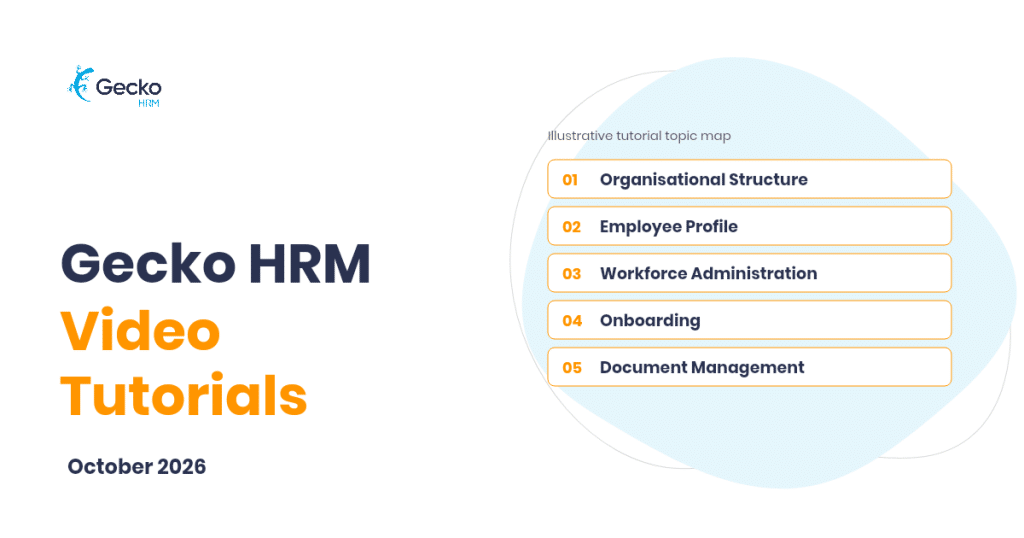
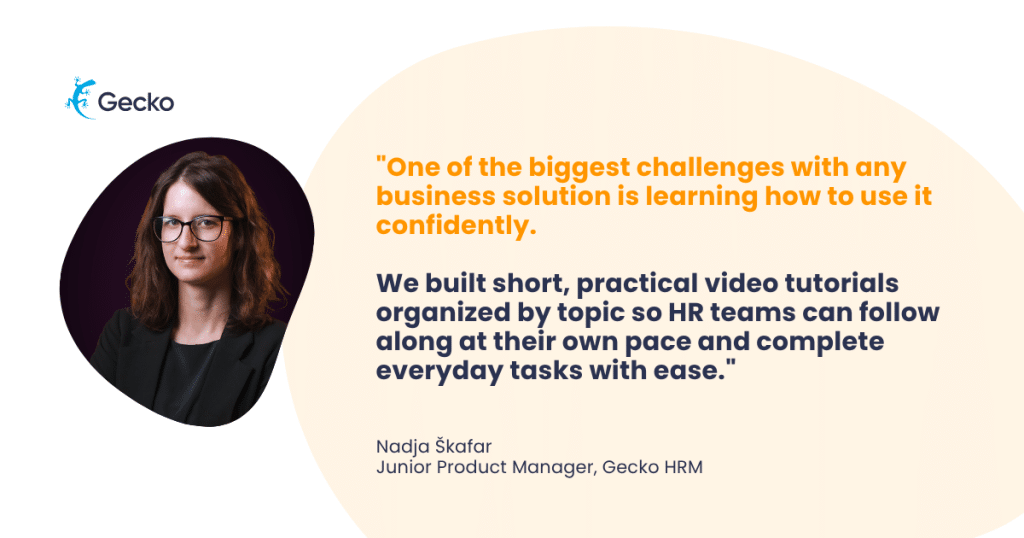
Then there is the confidence to use the system. The Gecko video tutorials offer task-focused guidance alongside the manuals. When you need a reminder of how to record a job change or prepare an onboarding form, you can follow the steps at your own pace. Pausing the presenter is perfectly acceptable.
Where Would You Start?
The redesigned recruitment experience, the recruitment AI tools covered here and the new document template manager are built into Gecko. Extensions and extra resilience packages are optional. Customer Success can confirm availability, activation and pricing for your environment.
Start with the task that keeps landing back on your desk. Contact success@geckohrm.com to explore what fits, or book a demo to see the work in Gecko.
Missed the webinar? Watch the full video below ⤵️


You might also like
View all posts