 hr
hr
 si
si
 sr
sr
 cs
cs





Recruitment in Gecko HRM: From Hiring Request to Future Talent
Follow Gecko's recruitment journey from a manager's hiring request to job ads, candidate review, hiring decisions and future opportunities.

Maja Sušnik, Marketing Specialist
Think of the work between two interviews. Someone needs to record the feedback, a colleague needs enough context to prepare, and the candidate needs to hear what happens next. None of it looks especially complicated. Until you’re doing it for several vacancies at once.
Those handovers start with the first hiring request and can continue long after a vacancy closes. Part of Gecko’s wider 2026 updates, the redesigned recruitment experience helps HR carry the context through the whole journey. You can see what has already happened and what needs your attention next.
Turn the Request into a Useful Job Ad
Managers can request a vacancy from their Gecko home page, specifying the position, how many people they need and the details they already know. The recruiter picks it up and fills in the gaps. You have a starting point for the conversation about what the team actually needs.
When preparing the job ad and application form, existing position information supplies content where available. Adapt it for candidates, add details such as location and salary range, and choose relevant fields and screening questions. A question about a required qualification makes sense. Asking something nobody will use deserves a second look.
AI can suggest improvements to the ad and translate it into another language. Review both, then preview the ad and form together. New underlying application fields need consultant configuration; recruiters choose from the fields already available.
Agree the Route Before Applications Arrive
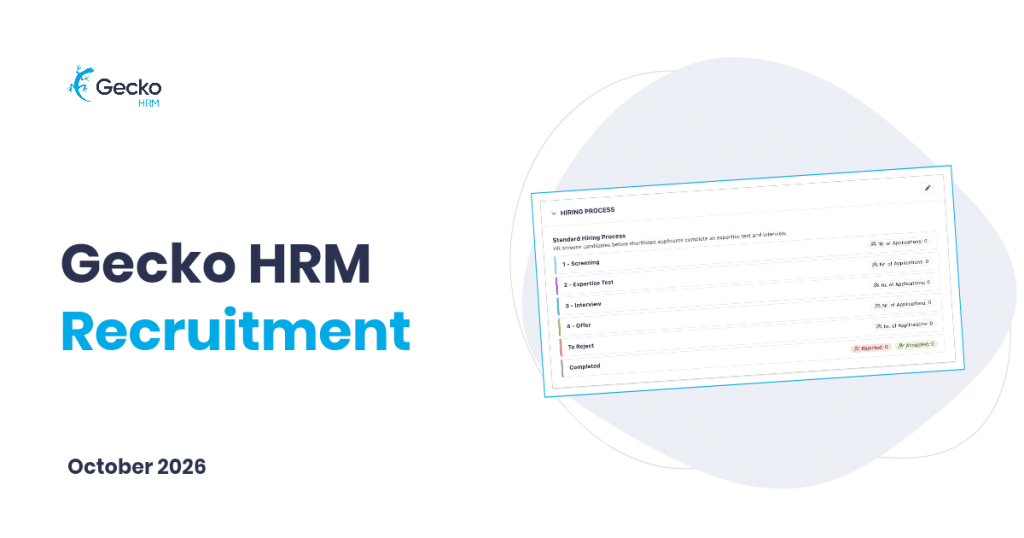
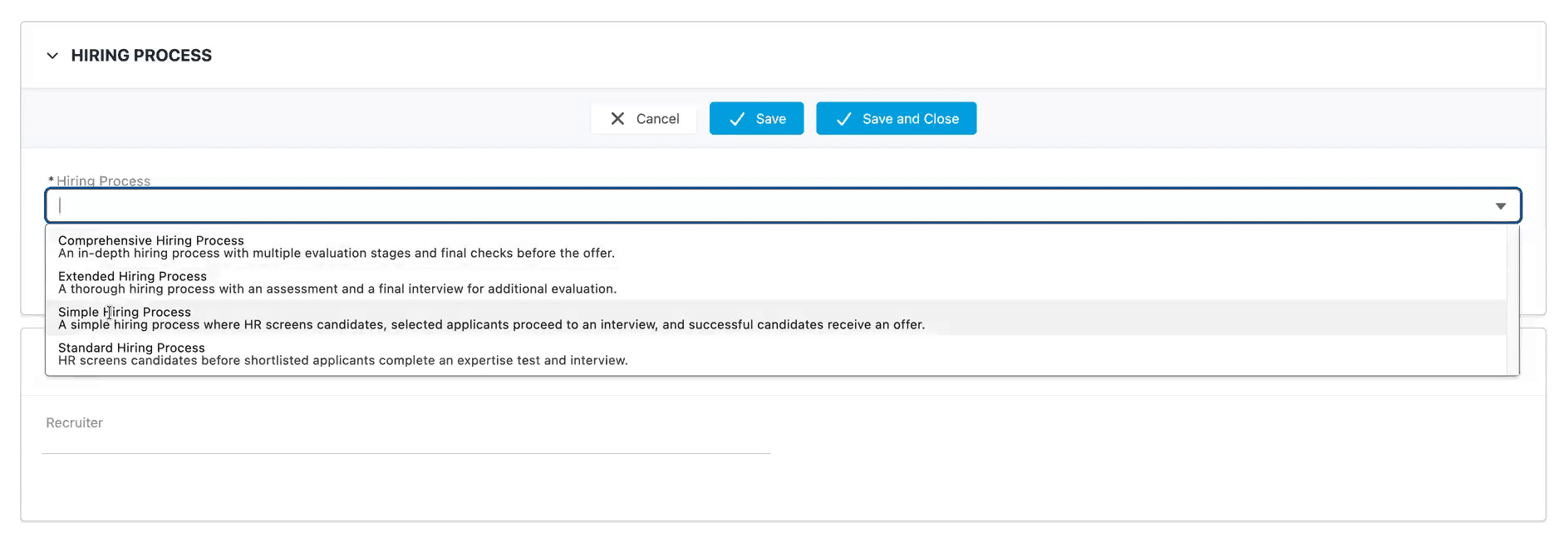
Before publishing, agree what you need to learn about candidates. A specialist role might need a practical assessment. Another vacancy might be covered by screening, an interview and an offer. Choose a configured hiring process and set the default interviewers or evaluators for that vacancy.
This decision belongs early: once the vacancy has related applications, its process cannot be changed. An implementation consultant can configure additional options if needed. You can still change participants or move an individual application to another stage within its chosen process.
With the process chosen and content checked, the vacancy can be published through Gecko’s embedded job-ad component on your company website, once that connection is set up. Now candidates can apply.
Pick Up the Candidate’s Story
A candidate’s application shows a technical interview date that has passed. Did it happen, or does it need rearranging? That’s a useful distinction to settle before sending tehm an email.
The applicant view brings the current stage, next activity, contact details and assessments together. Review the CV and answers, check related applications and read the team’s Chatter notes. Human ratings appear separately from the AI alignment assessment.
Candidate Insights, an existing feature within this workflow, compares the CV with the role’s requirements and suggests interview topics. Use those suggestions to explore the candidate’s experience and any gaps in the information. The hiring team still weighs the evidence and makes the decision.
Give colleagues the view they need, too. An observer on the vacancy can see its connected applications; an observer on one application can see only that application.
Good recruitment leaves the next person enough context to ask a better question.
Keep the Other Conversations Moving
Your morning probably involves more than a candidate’s application. Application Manager lets you filter across vacancies, select the candidates you want to review and move between their applications without rebuilding the same selection.
If an interviewer becomes unavailable, predefined email templates help you update the affected group together. Check that the message fits everyone selected. Arranging replacement dates remains a separate task, but at least candidates can hear about the change promptly.
Keep a Good Conversation Open
Sometimes the timing or vacancy is wrong, but the conversation is worth keeping. General job positions and talent pools let you collect applications for future opportunities or ongoing hiring needs. A general position can stay open without a fixed closing date and uses a simple, fixed review process. Recruitment administrators handle that review; general positions don’t support observers.
Classifications and tags help you find people again. Add a useful comment while their experience is fresh in your mind. Six months later, you’ll appreciate more detail than “good candidate”.
When a suitable role opens, copying the application creates a separate, linked record that starts at the first step of that vacancy’s process. The original remains available. Check the candidate’s interest and follow your organisation’s permissions and retention rules when keeping profiles or considering another role.
Start with a Vacancy You Know
Take one real vacancy and follow it from request to candidate review. Where does your team need a clearer handover? The redesigned recruitment experience is available upon request. Contact success@geckohrm.com about activation in your environment, or book a demo to walk through the work together.
Watch our product team explain Gecko’s recruiting feature right here ⤵️


You might also like
View all posts