 hr
hr
 si
si
 sr
sr
 cs
cs





Get More Confident in Gecko HRM with Video Tutorials
Gecko video tutorials provide practical, step-by-step help with everyday HR tasks. Find the right topic for your role and revisit it when you need a reminder.

Maja Sušnik, Marketing Specialist
You remember doing this before. You can picture the screen. The exact steps? Less clearly. That’s an ordinary part of using an HR system, especially when a task only comes around occasionally or a colleague usually handles it.
Gecko’s video tutorials give you a practical way to work through those moments. Alongside the existing user manuals, the videos show specific tasks step by step. You can follow at your own pace and return to the part you need, whether you are learning Gecko or refreshing something familiar.
What Can You Learn from the Tutorials?
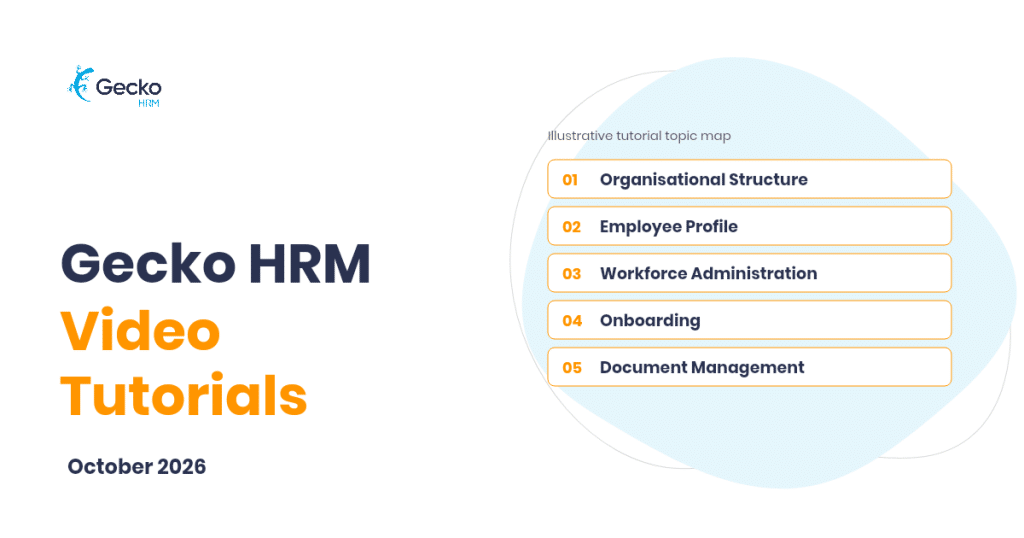
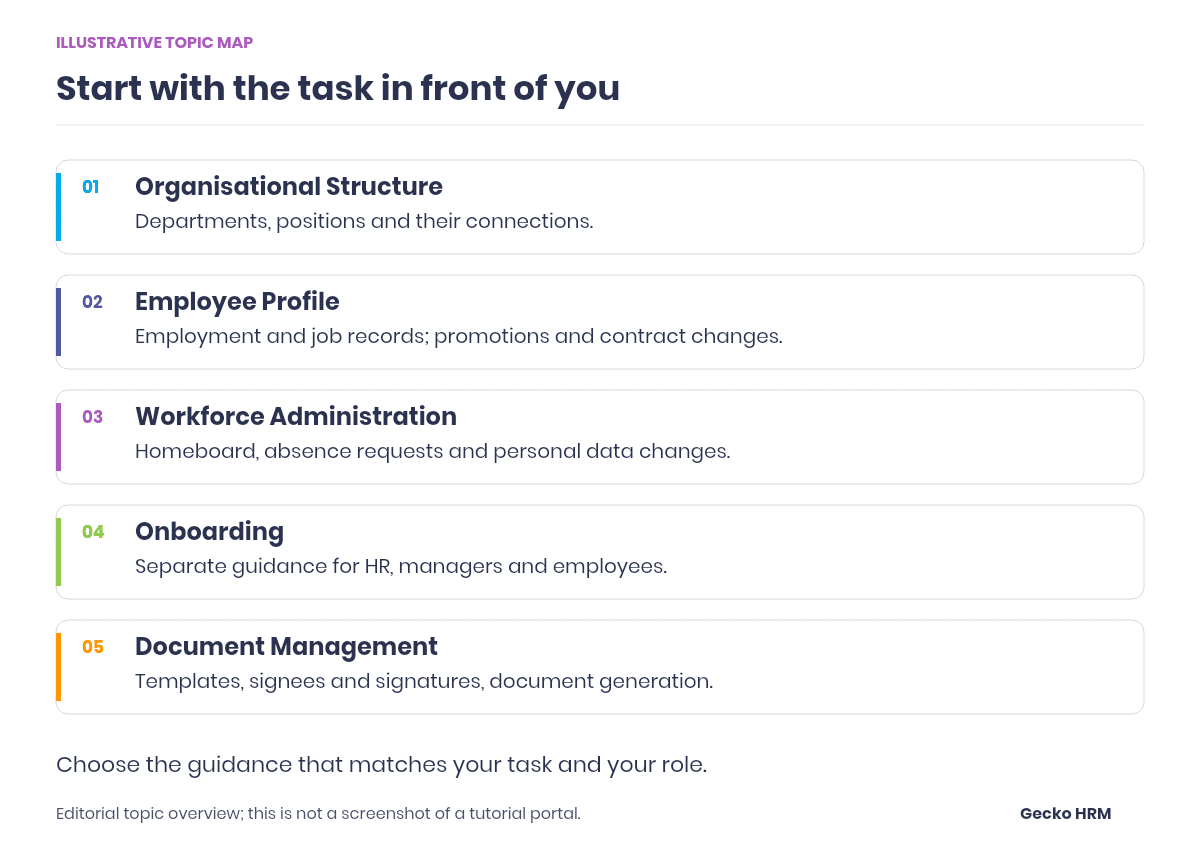
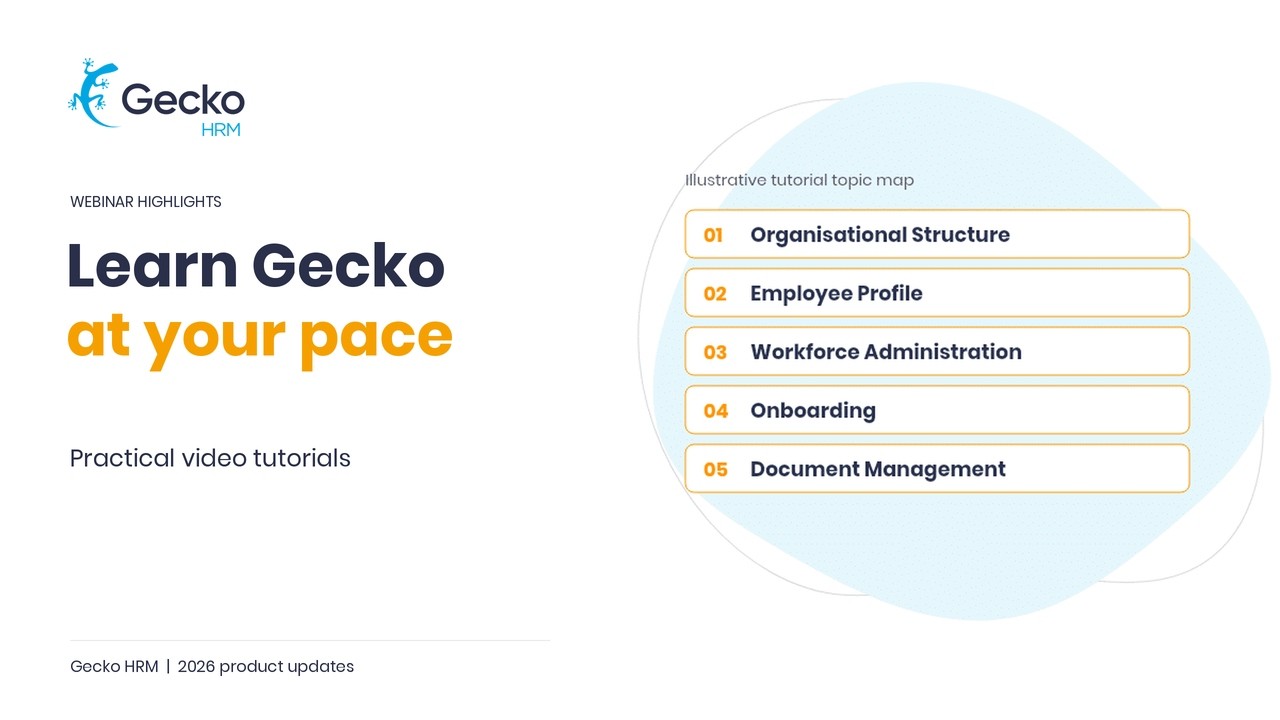
The tutorials cover five areas: Organisational Structure, Employee Profile, Workforce Administration, Onboarding and Document Management. Each area contains task-focused guidance, with the intended audience identified so HR administrators, managers and employees can find material relevant to their work.
That makes it easier to start with a question you actually have. You might need to record a job change, understand an onboarding form or revisit how document signing is configured. There is no need to make learning the entire system today’s project.
Start with the Task You Need to Complete
Imagine you are an HR administrator preparing to record a colleague’s move to a different job position. You have the agreed details, but want a reminder of how the records fit together. The Employee Profile tutorials explain the difference between Employment and Job records, then cover changes such as promotions, contract updates and departures.
If the question concerns the structure itself, the Organisational Structure videos take you through departments, positions and their connections. They also cover changes to that structure, including a department manager change or renaming a position.
Choose the video that matches your task, watch the relevant steps and check how they apply to your organisation’s setup. Seeing the sequence can help you understand how the records relate to each other as you work through the change.
Give Each Person Guidance for Their Part
Onboarding is a good example of several people using the same process for different reasons. HR prepares the new hire’s onboarding form. A manager supports their new team member. The employee needs to understand their own activities and progress.
The tutorials address those perspectives separately. HR administrators can learn how to choose an onboarding template, create a form and start the process. Managers have guidance on supporting their new team member, while employees can learn about their onboarding form, check-ins, goals and tasks.
When introducing Gecko to a colleague, use their responsibility as the starting point. A manager preparing for a new arrival will get more useful context from the manager-focused tutorial than from a tour of administrative configuration. Follow it with any company-specific instructions they need.
The most useful refresher is often the one that helps you finish the task already on your desk.
Work Through the Parts That Belong Together
Document Management has three tutorials covering document templates, signees and signatures, and document generation. Together, they help HR administrators understand how preparation connects to the document they eventually create.
Let’s say you are taking responsibility for a recurring HR document. Start with the template guidance, then review how signees and signatures are configured before moving to generation. That gives you a sensible learning order and a clearer understanding of the settings involved.
For more everyday questions, the Workforce Administration tutorials include navigating the homeboard, managing absence requests and processing personal data change requests. Pick the guidance for the part you handle: requesting a change and processing that request are different jobs.
Use the Pace That Works for You
A live demonstration moves at the presenter’s pace. A video lets you stop at the step you want to understand, take a note and watch it again. If the phone rings halfway through, you can come back to the same explanation.
Keep the user manual alongside the video when written instructions are helpful. And if your organisation’s configuration raises a question the tutorial does not answer, bring that specific question to Customer Success. A useful description of where you got stuck makes the conversation easier to start.
How Can You Access the Video Tutorials?
Existing customers can contact Gecko Customer Success at success@geckohrm.com for help accessing the video tutorials. Mention the topic you want to learn and whether you use Gecko as an HR administrator, manager or employee, so the team can point you towards the relevant material.
Start with one task you expect to do soon. Watch the guidance while the question is fresh, then return to it when you need a reminder. If you are exploring Gecko for your organisation, book a demo to see the workflows behind the tutorials.
Watch our product team explain video tutorials right here:



You might also like
View all posts