 hr
hr
 si
si
 sr
sr
 cs
cs





Talent Pools and General Job Positions in Gecko HRM
Use general job positions for future opportunities or continuous hiring, organise applications with tags and create linked applications for suitable vacancies.

Maja Sušnik, Marketing Specialist
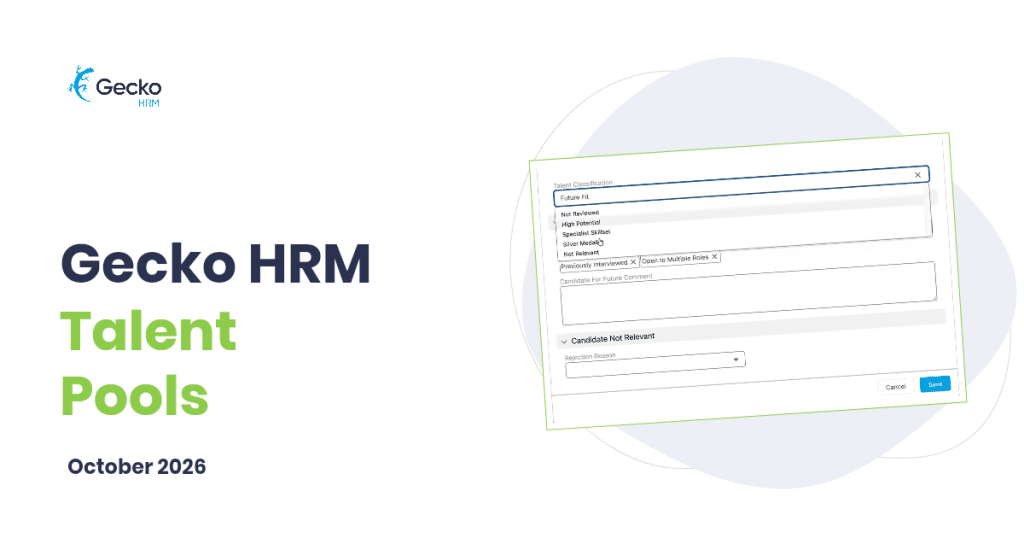
“We should keep this person in mind.” It’s an easy thing to say after a promising application. Remembering why, several months and many vacancies later, is harder. Was it their specialist experience, or the fact that another role would have suited them better?
Gecko talent pools give that future possibility a place in your recruitment process. You can collect general applications, review and classify candidates, add useful tags and return to the pool when a relevant vacancy opens. When you want to consider someone for an active role, you can create a separate, linked application without re-entering their details.
What Are General Job Positions For?
A general job position provides an ongoing route for applications, with an ad and application form you can prepare in Gecko. It can stay open without a fixed closing date and serves two useful purposes: collecting interest for future opportunities and supporting roles for which you recruit continually.
For future opportunities, it gives people a way to express interest even when no suitable vacancy is open. For continuous hiring, it can collect applications for a recurring need. A customer support team that regularly recruits is one possible example. Choose the purpose that reflects your hiring needs and make it clear in the ad.
In both cases, explain what candidates are applying for and what they can expect. Applications follow a simple, fixed review process managed by recruitment administrators; general positions don’t support observers. Consideration for a specific vacancy continues through a separate application for that role. Keeping a position open does not mean keeping personal data indefinitely.
What Should You Record When Reviewing a Candidate?
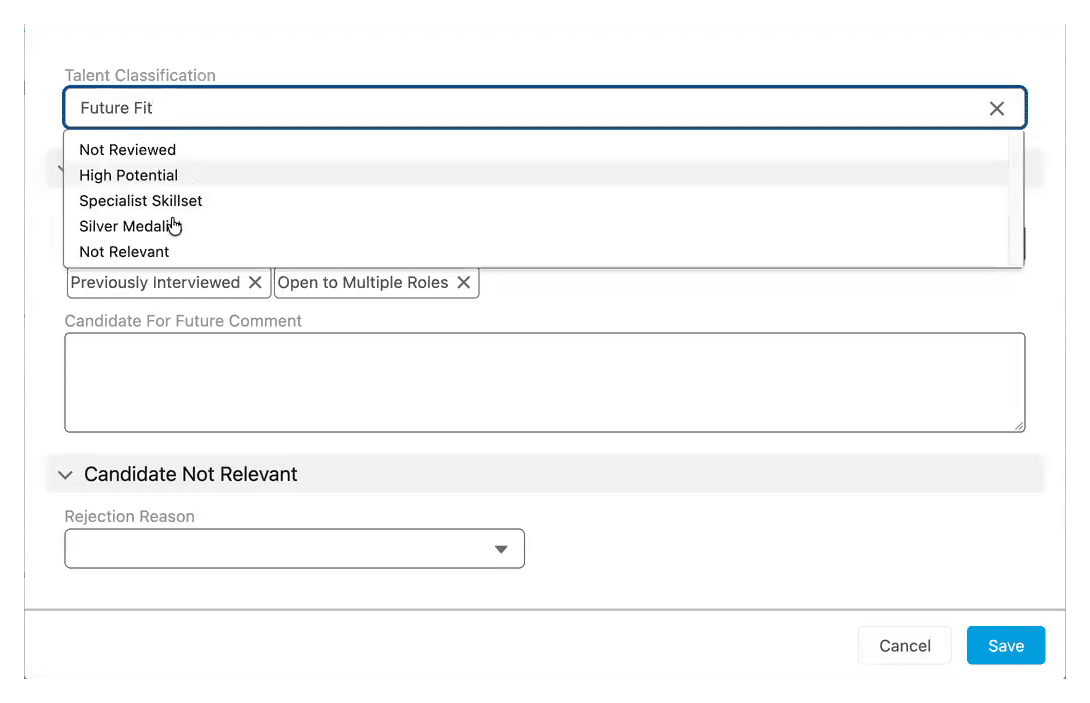
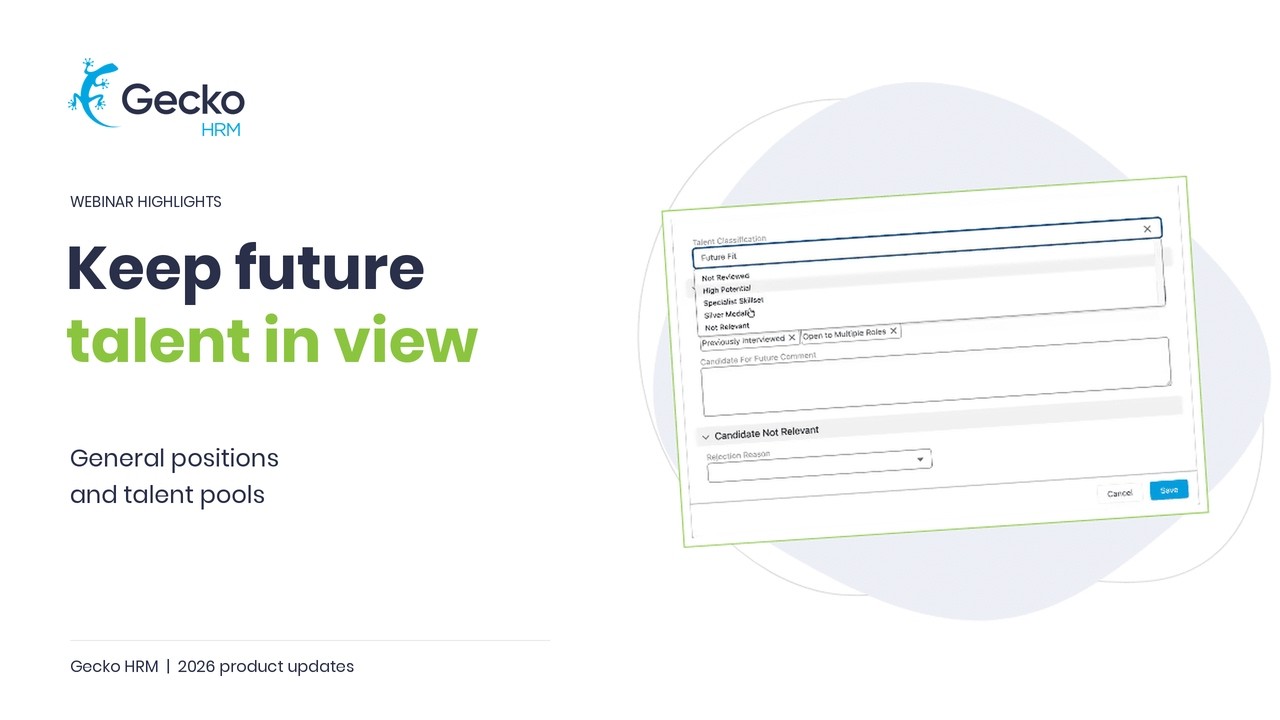
Alongside reviewing the application, you can record a talent classification, add relevant tags and leave a comment. The classification captures your broad assessment; tags make relevant attributes easier to find later. For example:
- Choose a classification such as Future Fit or Specialist Skillset to record why you want to keep the candidate in view.
- Add tags such as data analysis, German language or team leadership. Several tags can apply to one candidate.
Use the evaluation comment to capture the reason behind your assessment while the application is fresh in your mind. A short, specific explanation is far more useful later than “good candidate”. Otherwise, much of the remembering still sits with the person who read the CV.
Keep the tag list practical. Agree which job-relevant attributes your team needs to find and use them consistently. Classifications are recruiter assessments, so review the underlying information again when considering someone for a particular vacancy.
A great part of a talent pool is remembering why someone might fit a future role.
How Does the Pool Help When a Role Opens?
When a vacancy opens, classifications and tags help you find people to review again. Consider an illustrative example: someone submits a general application with experience in customer support and German language skills. You review it, classify them as Future Fit and add the relevant tags, with a comment explaining their experience.
A suitable support vacancy opens later. You can revisit the pool and use its classifications and tags to help find candidates worth another look. The earlier review gives you a starting point for a conversation about the new role.
Check what may have changed. Are they still interested? Does the location or working pattern suit them? Are their skills relevant to this vacancy’s requirements? Finding the record makes those questions easier to follow up; the answers still come from the candidate and your review.
What Happens When You Copy an Application?
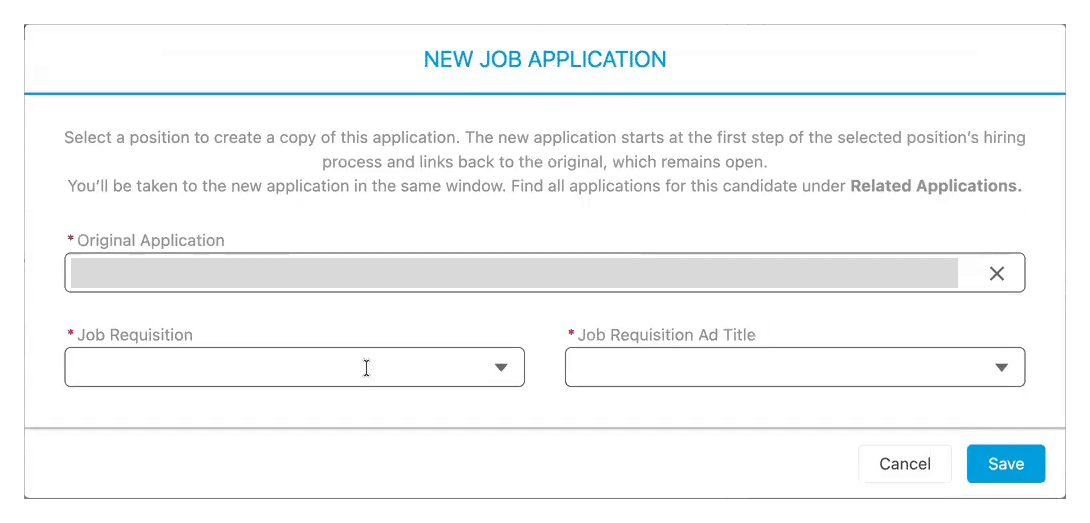
When you’re ready to consider the candidate for an active vacancy, Gecko lets you copy the application to the target requisition. The new application includes the candidate’s supplied information and CV, where one is attached, and starts at the first step of that vacancy’s hiring process.
The original application stays in place. Related applications remain linked, so you can see where the new application came from and refer back to the earlier record. The same copy function can help when an applicant for one vacancy appears better suited to another.
Candidate communication remains with the recruiter. Follow your organisation’s candidate permissions and retention rules when keeping profiles or considering someone for a new role. Copying a record is a system action; check the candidate’s interest and the appropriate permissions as part of your follow-up.
How Do You Keep the Pool Useful?
A sensible starting point is one general position with a clear purpose, a small set of useful tags and an agreed review routine. When a vacancy opens, include the pool in your search and revisit the evidence behind each promising match.
The new recruitment experience is available upon request. Existing customers can ask Customer Success about enabling talent pools in their Gecko environment. To explore how general applications could fit your recruitment process, book a demo.
Watch our product team explain talent pools right here:



You might also like
View all posts