 hr
hr
 si
si
 sr
sr
 cs
cs





Digital Resilience with Gecko HRM: A Guide for HR Teams
Understand Gecko security upgrades, optional Event Monitoring, Backup & Recover and Archive, plus the controls behind Gecko AI.

Maja Sušnik, Marketing Specialist
An extra login check rarely arrives at a convenient moment. You are trying to finish a report, and the system asks you to verify your identity again. It helps to know what that interruption protects.
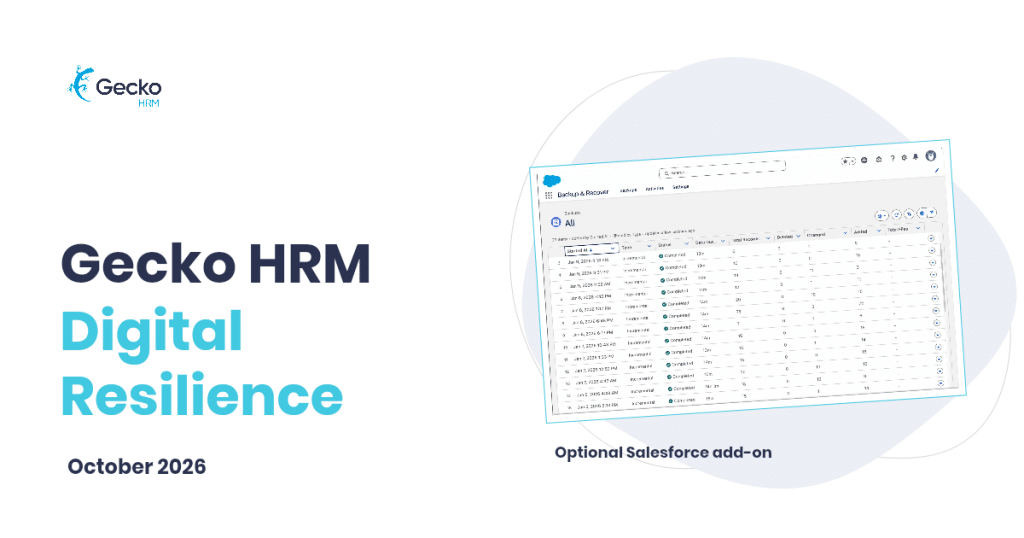
HR systems hold information that people expect their employer to handle carefully. Digital resilience means protecting access to that information, spotting concerning activity and having a way to recover when something goes wrong.
In our October product webinar, Marko Perme, CEO of Gecko HRM, explained why this is a priority as AI develops and security risks change. He also set out the protections included in Gecko and the optional Salesforce add-ons available for organisations that need more control, particularly those in regulated industries or facing greater cyber risk.
Which Security Improvements Are Included in Gecko?
Recent platform upgrades strengthen sign-ins and sensitive report actions. They are part of the baseline protection described in the webinar, so customers do not need to buy Event Monitoring to receive these improvements.
- Multi-factor authentication adds identity checks for internal Salesforce users, including those signing in through SSO. Additional checks can also apply to unfamiliar devices or SSO authentication that does not meet platform requirements.
- Phishing-resistant MFA uses passkeys or security keys for administrators and other privileged users. These accounts need particular care because their permissions reach further.
- Expanded login-anomaly detection and containment help address suspicious sign-ins. Step-up verification adds another check to relevant interactive report exports.
The exact prompts depend on the licence, permissions and authentication setup. External Experience Cloud users are exempt from the platform MFA requirement. The report-export check has its own exemptions, including external Experience Cloud users and non-interactive API sessions; simply viewing a report does not trigger it.
Marko thanked existing customers for adapting to the additional checks. A little friction makes more sense when the action could put employee data into a downloadable file.
HR should be able to ask who accessed employee data, what happened to it and how it can be recovered.
What Does Event Monitoring Add?
Event Monitoring is an optional add-on for organisations that need greater visibility into supported system activity. Detailed logs can help investigate incidents and provide evidence for audits.
With configured Transaction Security policies, teams can monitor supported events such as unusual logins, large report or file downloads, and changes to permissions. Depending on the event and policy, the response can be a notification, a blocked action or an additional identity check.
For HR, a useful example is a rule that flags or blocks a large employee-list export. The organisation decides which conditions matter and who should receive the alert. Coverage and rules require configuration; this is not a record of every field viewed or a guarantee that every data leak will be stopped.
How Do Backup, Recovery and Archive Differ?
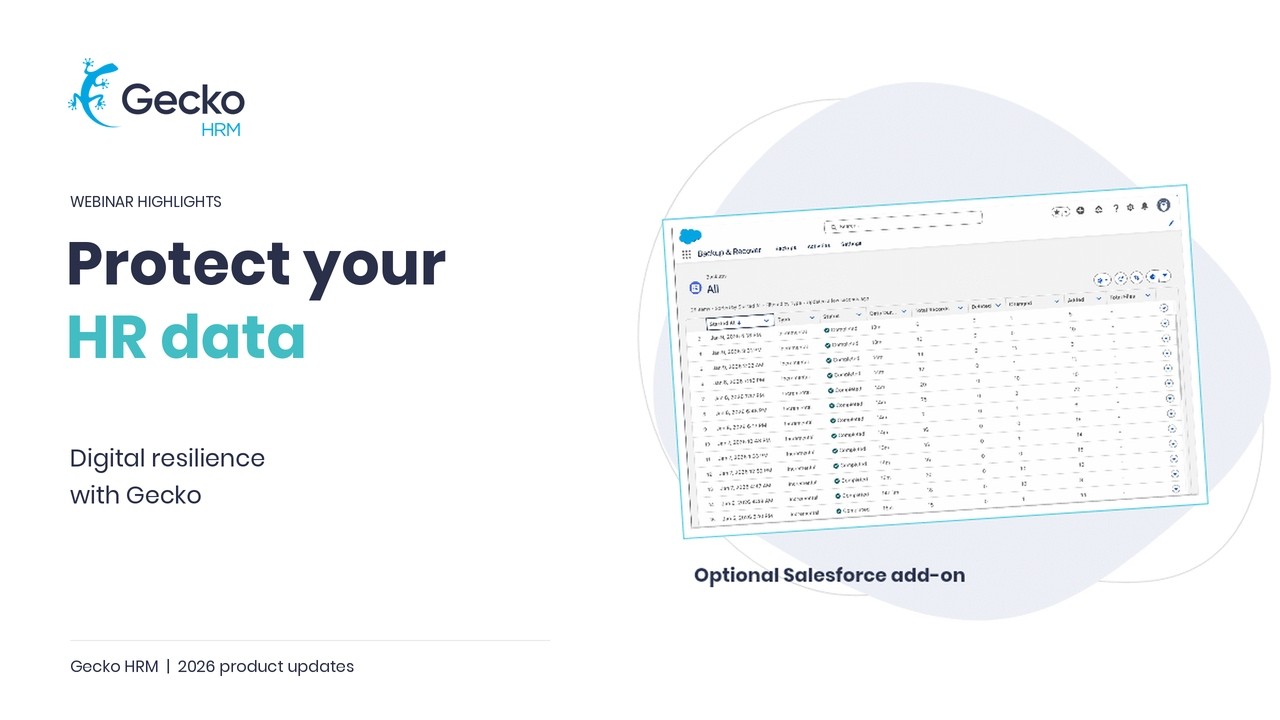
Gecko already has standard data protection. The optional enterprise add-ons discussed in the webinar provide more control over backup copies, targeted recovery and older records.
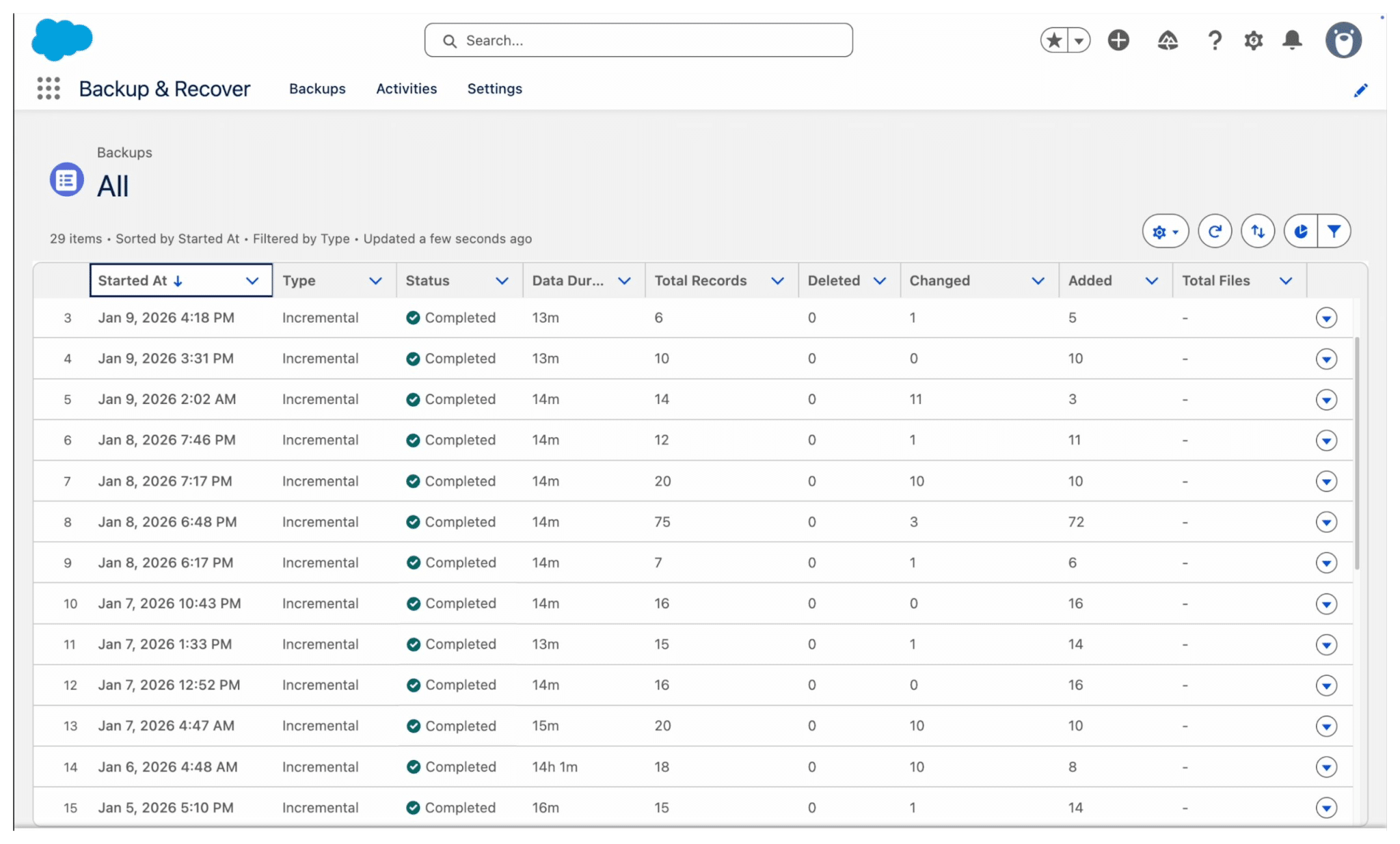
- Backup & Recover can support extra backup copies, including exports to customer-managed storage such as local storage. Guided, targeted recovery helps restore deleted or changed records. Agree the recovery requirements and test the process before you need it.
- Archive moves older, inactive records out of active Salesforce storage while keeping them accessible to authorised users. Configurable policies support the organisation’s retention approach and free active storage.
Archiving is a separate data-lifecycle decision, not a substitute for backup. HR still needs to define what must be retained, who can access it and when it should be removed. Package capabilities and availability depend on the product and region, so confirm the appropriate setup with Gecko.
How Is Gecko AI Controlled?
Gecko AI is built on Salesforce Agentforce. The webinar highlighted three areas that matter when AI works with HR information.
The Einstein Trust Layer uses zero-retention agreements with third-party language-model providers: they do not retain the data or use it to train their models. That promise applies to those providers. Salesforce can retain audit and session records within its services.
Agentforce guardrails define permitted behaviour, while configured actions and Salesforce record and field permissions control access. Marko used the recruiter agent as an example: its boundaries include restrictions on researching candidates through sources it has not been allowed to use.
Agentforce Observability and Session Tracing can record interactions and actions for monitoring, reviews and audits, subject to the required enablement and licensing. Those records help teams examine what happened. They do not remove the need to review AI outputs or govern the way the tool is used.
Where Should HR and IT Start?
Choose a real scenario: an unexpected staff-list export, an accidental record change or an AI interaction that needs review. Ask which protections cover it today, which evidence would be available and who would respond.
Then discuss any gap with Gecko. Event Monitoring, Backup & Recover and Archive are optional additions; the right combination depends on your risks and requirements. Security controls can support compliance work, but configuration, internal policies and applicable legal duties still need review. A focused demo can make that conversation much more concrete.
Watch our CEO explain digital resilience right here:


You might also like
View all posts